Learn how to transform your app idea into a successful mobile startup — from prototyping to user acquisition.

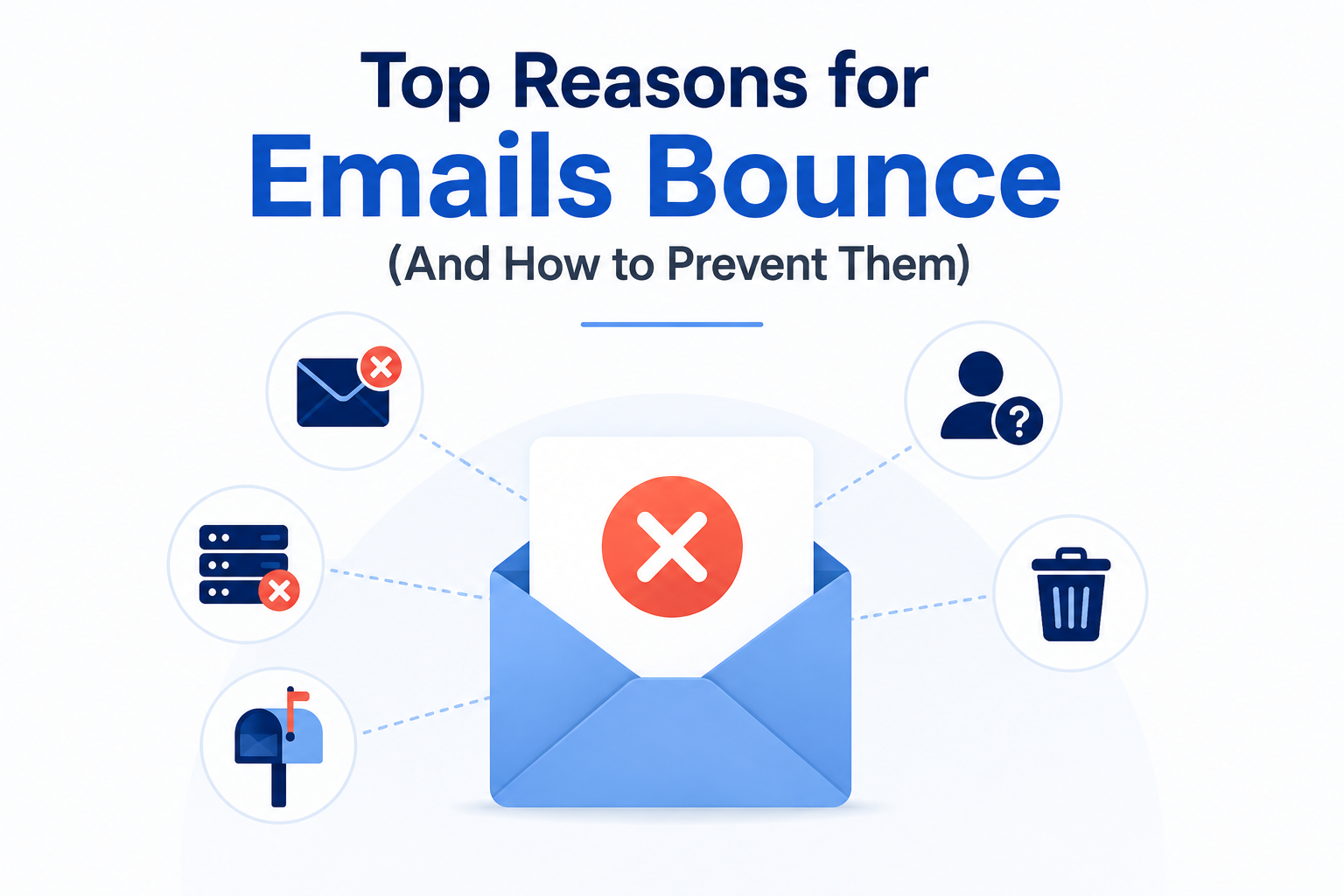
Top Reasons For Emails Bounce (And How to Prevent Them)
Email bounces reduce campaign effectiveness, harm sender reputation, and lower email deliverability. They commonly occur because of invalid email addresses, full mailboxes, spam filtering, or temporary server problems. Understanding email bounce reasons and taking preventive measures such as regular email verification and email list cleaning helps improve inbox placement, minimise delivery failures, and maximise the success of every email campaign.
What Is an Email Bounce?
The term ’email bounce’ refers to a situation whereby an email sent by the sender has not been delivered to the receiver’s inbox and instead is bounced back by the email server. There can be many email bounce reasons, including a wrong email address, an overfilled mailbox, server problems, or blocked domains. It is very important to know your mailbox bounce rate because doing so can help to ensure you are receiving mail, not only on a regular basis but also that your sender reputation is maintained.
Top Reasons Emails Bounce

A high email bounce rate usually means that there is something wrong with your email list or your email delivery process. Knowing what the typical email bounce reasons are can help you optimize your email sending.
1. Inactive Email Addresses
Often emails fail when the email addresses have errors, become inactive, or are incorrect. The failed emails fall into the category of hard bounces, which lower deliverability rates and negatively impact the sender’s reputation if the inactive addresses are part of the sender’s mailing list.
2. Filled Mailboxes
The recipient’s mailbox might be full and not able to receive any new messages. This is called a soft bounce, and this problem is normally sorted out automatically when there is space in the mailbox.
3. Problems with the Server
An email might fail to be delivered as a result of the temporary downtime of the mail servers of the sender and/or recipient or due to a problem with their connection. Such soft bounces generally get sorted out themselves, but in case of ongoing problems, there is a need for monitoring and troubleshooting.
4. Blocklisting or Blacklisting of Domains
Messages can be bounced back due to blocklisting of either the sending IP address or domain name by internet service providers. Good practices in handling emails should be adhered to in order to avoid blocklisting of the domain.
Email verification prior to each campaign is an effective way to discover many such email bounce reasons beforehand, thus minimizing the bounce rate.
Hard Bounce vs Soft Bounce: What's the Difference?
Email bounce rates come in various forms. Each type has a cause and a solution. It is important to know the differences to keep your email list clean and improve your deliverability and sender reputation.
Hard Bounce
In simple terms, a hard bounce means the email you sent simply couldn’t be delivered permanently due to an incorrect or unknown email address. Those messages aren’t going to reach their destination, so, from an email marketing standpoint, you should delete all such bounced emails from your list as a matter of urgency. Neglecting to do so only increases your overall bounce rates, which damages not only your sender score but also your chances of having your marketing emails even delivered in the future.
Soft Bounce
A soft bounce is a temporary failure to deliver an email that is probably going to be delivered to the recipient’s inbox after a while. These are usually a result of one of the following factors such as the sender is a new customer who still doesn’t have an email server yet (first delivery), the sender is an active customer who has changed email server recently, or the sender is a customer with some problems with the delivery.
By learning the distinction between hard and soft bounces, you are able to effectively run your email list, limit any problems with delivery, and increase the efficiency of all your email marketing campaigns.
How Email Bounces Affect Deliverability and Sender Reputation
Bounced emails are not simply undeliverable messages; they also impact the way that mailbox providers assess the sender’s email practices. Low bounce rates will contribute to better inbox delivery, higher sender reputation, and ultimately successful email marketing campaigns.
Inbox Placement Is Decreased: Bounces will make it difficult for future emails to be delivered into recipients’ inboxes.
Bad Sender Reputation: Internet service providers (ISPs) might regard constant bounces as a bad mailing reputation.
Higher Chance of Being Flagged as Spam: A bad sender reputation makes it easy for emails to be considered spam.
Worse Campaign Results: Lower email delivery means low open rates, click-through rates, and conversion.
Potential Blocklisting of Your Domain or IP: Overhard bouncing might lead to your sending IP/domain being added to blocklists.
Regular email verification, list cleansing, and bouncing rate monitoring can help in protecting your sender’s reputation and enhance the deliverability of the email campaigns
How EmailAnswers.ai Helps Reduce Email Bounce Rates
EmailAnswers.ai helps you in decreasing your email bounce rate by validating email addresses before you launch your email campaigns. It uncovers invalid or bad email addresses, inactive free email, catch-all, and risky email addresses, which lets you remove low-quality contacts from your mailing list. Through the creation of an updated and trustworthy email database, email senders’ reputations are safeguarded, bounced-back emails are further minimized, and you get higher chances that the emails you send will not only go directly to the recipient’s inbox but also will not be reported as spam.
Best Practices to Prevent Email Bounces
Avoiding email bounces begins by ensuring that you have a clean and permission-based email list. Applying the best practices of email hygiene will help to boost your email deliverability and sender reputation.
1. Verify Email Addresses Regularly
Utilize email verification tool for each campaign that you conduct to find invalid, spam, and high-risk email addresses, ensuring that there are no invalid recipients in your mailing list.
2. Remove Hard Bounces Immediately
Permanently delete email addresses that result in hard bounces. Holding on to invalid contacts raises your bounce rate and is detrimental to your sender reputation and email deliverability in the future.
3. Monitor Soft Bounces
Identify repeatedly soft-bounced email addresses due to temporary reasons. Take out or reactivate these contacts if delivery remains problematic in several email marketing campaigns.
4. Use Double Opt-In
Make sure that all new subscribers use double opt-in. This will ensure that no false registrations happen, invalid email addresses are kept out, and a good list is created.
5. Authenticate Your Domain
Enable SPF, DKIM, and DMARC authentication to authenticate your sending identity. Authentication is the key to increasing mailbox provider trust and decreasing email delivery problems.
6. Clean Your Email List Frequently
Delete inactive, outdated, and disengaged contacts to keep your email list healthy and to ensure better performance for your campaigns and keep your bounce rates low.
Adhering to such best practices will help ensure that you have a healthy list of emails, reduce bounces, increase deliverability, and protect your sender’s reputation to achieve success with email marketing.
Conclusion
It is very important to lower the bounce rate of the email in order to enhance the deliverability of the email, maintain sender reputation, and get good results through email marketing campaigns. If we know about why emails bounce and also keep our email list clean, then we will be able to deliver more emails to valid inboxes.
FAQs
What are the most common reasons emails bounce?
Most commonly, emails get bounced due to an invalid email address, a full mailbox, spam, the sender’s server or computer is down, the receiver has not opened up the communication to you through a domain block, or you, the sender, have failed to pass email authentication tests.
What is the difference between a hard bounce and a soft bounce?
A hard bounce means the email cannot be delivered no matter how many times the system sends it out, whereas a soft bounce is temporary, often resolved after mailbox and server problems are fixed.
How can I reduce my email bounce rate?
Regularly validate email accounts, delete invalid contacts, use a double opt-in method, verify your domain, and continuously keep your email list up to date.
Can email verification prevent email bounces?
Yes. Email verification detects invalid, inactive, disposable, and dangerous addresses before the email is sent, which greatly reduce email bounce rate and delivery problems.
What is a good email bounce rate?
The ideal email bounce rate is under 2%. It means that the sender has a clean email database and high email deliverability of the campaigns.
How do bounced emails affect sender reputation?
Repeated bounced emails harm the sender’s reputation, lead to fewer emails getting to inboxes, more being filtered as spam, and generally affect the performance of the sender’s next email campaigns negatively.
Should I remove bounced email addresses from my mailing list?
Yes. Eliminate permanently bounced emails right away and watch out for recurring bounced emails that are only soft to keep the quality of the database and enhance the quality of email delivery continuously.