Learn how to transform your app idea into a successful mobile startup — from prototyping to user acquisition.

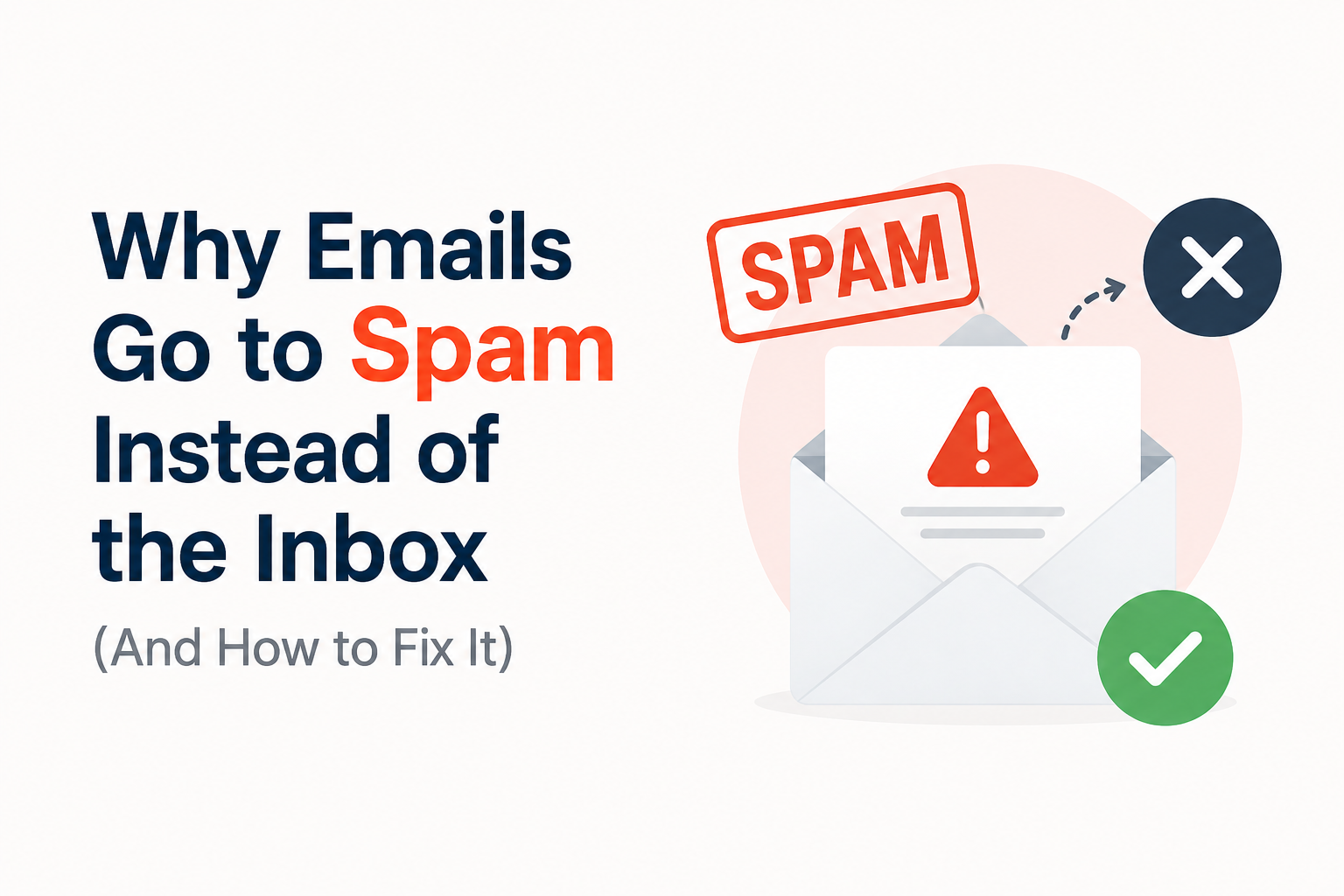
Emails going to spam instead of the inbox can reduce engagement, conversions, and campaign performance. This often happens because of poor sender reputation, missing authentication, unverified email lists, spam-like content, or low engagement.
Understanding these causes of why emails go to spam and applying the right solutions can improve deliverability, strengthen sender credibility, and increase the chances of your emails consistently reaching recipients’ inboxes.
Why Emails Go to Spam Instead of the Inbox
When mailbox providers find signs of unwanted or low-quality emails, they may automatically forward these emails to the spam box instead of the inbox.
The most common reasons why emails go to spam are a bad sender reputation, high bounce rate, spam complaints, missing email authentication, and lack of user interaction.
Besides that, if you send to a large pool of inactive or unverified recipients, you are not only wasting your time but also reducing the odds of successful deliverability.
A good way to boost the credibility of the sender’s domain and enhance the rate of deliverability is to keep the email list spotless, check contacts, authenticate your domain, and adhere to proper sending policies.
The Most Common Reasons Emails End Up in the Spam Folder

Emails may be marked as spam due to various factors. It is important to know these factors of why emails go to spam to ensure that emails can reach the recipients’ inbox.
- Poor Sender Reputation: High bounce rates, spam reports, and low engagement levels will make mailbox providers doubt your emails.
- No Authentication: Incomplete or incorrect SPF, DKIM, or DMARC information will reduce the reliability of your emails.
- Similar to Spam: Too much promotional content, deceptive subject lines, or risky links can make your emails flagged as spam.
- Invalid Email Lists: Sending your emails to invalid, unresponsive, or disposable email addresses will lead to higher bounce rates and a poor reputation.
- Low Engagement Levels: Low responses, and click-through rates will show that people do not find your emails valuable.
- Sending Too Many Emails: Sending email campaigns too often will make your emails filtered.
List verification, relevance, authentication, and consistency in sending emails are some of the best ways which will prevent your emails from going to spam.
How Email Authentication, Sender Reputation, and Email Verification Improve Deliverability

All three of these practices combined help to create trust with the mailbox providers and solve delivery issues. The regular application of all these techniques helps businesses to keep their email lists clean and have better results from campaigns.
Email Authentication
Email authentication verifies if your mail is genuinely sent from your email address. It is highly recommended to implement SPF, DKIM, and DMARC.
These techniques make it easier for mailbox providers to spot legitimate senders, reduce spoofing risks to a minimum, and establish trust with your messages; all these things ultimately make your chance of successful delivery to inboxes much stronger.
Sender Reputation
Sender reputation is basically how you are reflected by mailbox providers.
Keeping bounce and complaint rates minimal, sending emails regularly at a stable number, and being engaged with the audience are things that will help you to be a trustworthy sender and less likely to be labeled as spam so that more of your communications will end up in inboxes.
Email Verification
An email address check is done before sending emails to identify wrong, temporary, expired, or high-risk addresses.
Eliminating emails from bad addresses not only reduce email bounce rate but also safeguards the sender’s reputation, which makes mailbox providers perceive a mailer’s activity as more trustworthy, and this way improves the overall delivery rate of the messages.
Together, authentication, reputation management, and email verification create a stronger foundation for reliable email delivery, helping businesses reach more valid recipients while reducing spam placement and bounce-related issues.
How EmailAnswers.ai Helps Keep Your Emails Out of the Spam Folder
EmailAnswers.ai can assist to improve email deliverability by verifying your email address before sending the campaign out.
This way, invalid email addresses, disposable email addresses, risky email addresses, and inactive email addresses can be easily detected; these types of email addresses cause bounces and affect the sender’s reputation negatively.
EmailAnswers.ai decreases the risk of non-delivery and helps to increase the chances of your emails landing in recipients’ inboxes.
Best Practices to Improve Inbox Placement
Better inbox placement needs proper email hygiene, strong authentication, relevant content, and proper mailing practices. This will allow the mailbox provider to see your emails as valuable ones.
1. Check Your Email List
Periodically verify your email list to discover invalid, one-time inactive, or high-risk email addresses before you begin to run your campaigns. Getting rid of these contacts reduces bounce rates and preserves the sender’s reputation.
Email verification before the main campaign and regular email list cleaning help to prevent irrelevant addresses from lowering deliverability and inbox placement.
2. Validate the Sending Domain
Configure SPF records and DKIM together with DMARC records on your domain for mail server authentication to be good and show you aren’t a fake sender.
Proper authentication makes mailbox services easier to distinguish senders who’ve been authorised, which helps to reduce spoofing risks and increase domain reputation.
3. Preserve a High-quality Sender Reputation
keep a clean and well-managed mail campaign by keeping both your bounce rate and spam low while simultaneously promoting legitimate engagement. Instead of launching your mail program with a massive spike, keep it balanced.
Regularly look at delivery, click rate, and complaint patterns so that you can quickly address issues and adapt your campaigns before future inbox placement gets messed up.
4. Produce Useful Contents
Send subscribers only the types of content that are actually valuable to them, and never mislead with misleading subject lines. Communicate in a clear manner, provide safe links, and use a balanced form of formatting.
Recipients who regularly open and read your emails and even interact with them show better engagement, so that inbox placement is not only better but there will be fewer times when emails are filtered as spam.
5. Purge Non-active Subscribers
On a continuous basis, track those subscribers who no longer open/engage your emails. Before you decide to permanently delist such customers, you can attempt to re-engage them at least once.
Removing non-responsive contacts leads to higher engagement statistics, which will not only reduce costs from unnecessary mailings but will also help the sender to keep up its good sender reputation, leading to great deliverability, and finally a very solid inbox placement.
Adhering to the above guidelines can enhance sender credibility, avoid delivery issues, and ensure legitimate emails will get delivered to the recipient’s inbox and not into the spam folder.
Conclusion
In order to prevent your emails from being labeled as spam, constant efforts need to be made towards ensuring the right level of quality, authentication, sender reputation, and good content.
Businesses that verify their email addresses, keep a healthy engagement, adopt the best practices of sending emails, and control deliverability will see improved email performance.
FAQs
Why do my emails go to spam instead of the inbox?
Some common reasons why emails go to spam can be bad sender reputation, a very high number of bounced messages, no sender authentication, suspicious message contents, and a very low engagement level of subscribers.
How can I stop my emails from going to spam?
Check your email list thoroughly, set up your domain authentication, create good content for your subscribers, keep your subscribers engaged, watch your sending reputation, and don’t just increase your sending activity at once.
Does email verification help improve inbox placement?
Yes. After performing an email verification, you will have the invalid and high-risk addresses removed so that you can avoid bounces and keep a better sender reputation.
What role do SPF, DKIM, and DMARC play in email deliverability?
SPF, DKIM, and DMARC are three authentication mechanisms that help email service providers to identify the sender and gain the trust of mailbox service providers.
Can a high bounce rate cause emails to go to spam?
A high proportion of bounced emails is an indicator of a faulty list. If not cleaned periodically, it often means a poor sender score, which in effect will result in spam filtration.
How does sender reputation affect email deliverability?
A strong sender reputation means your emails will more likely land in the recipient’s mailbox. However, if your sender reputation is poor, there are higher chances of getting delivery failures and being blocked by a provider.
What are the best practices for avoiding spam filters?
Contact verification, domain authentication, the sending of useful content, engagement, frequency control, decrease of complaints, and deliverability monitoring are some of the key practices for avoiding email spam filter.